
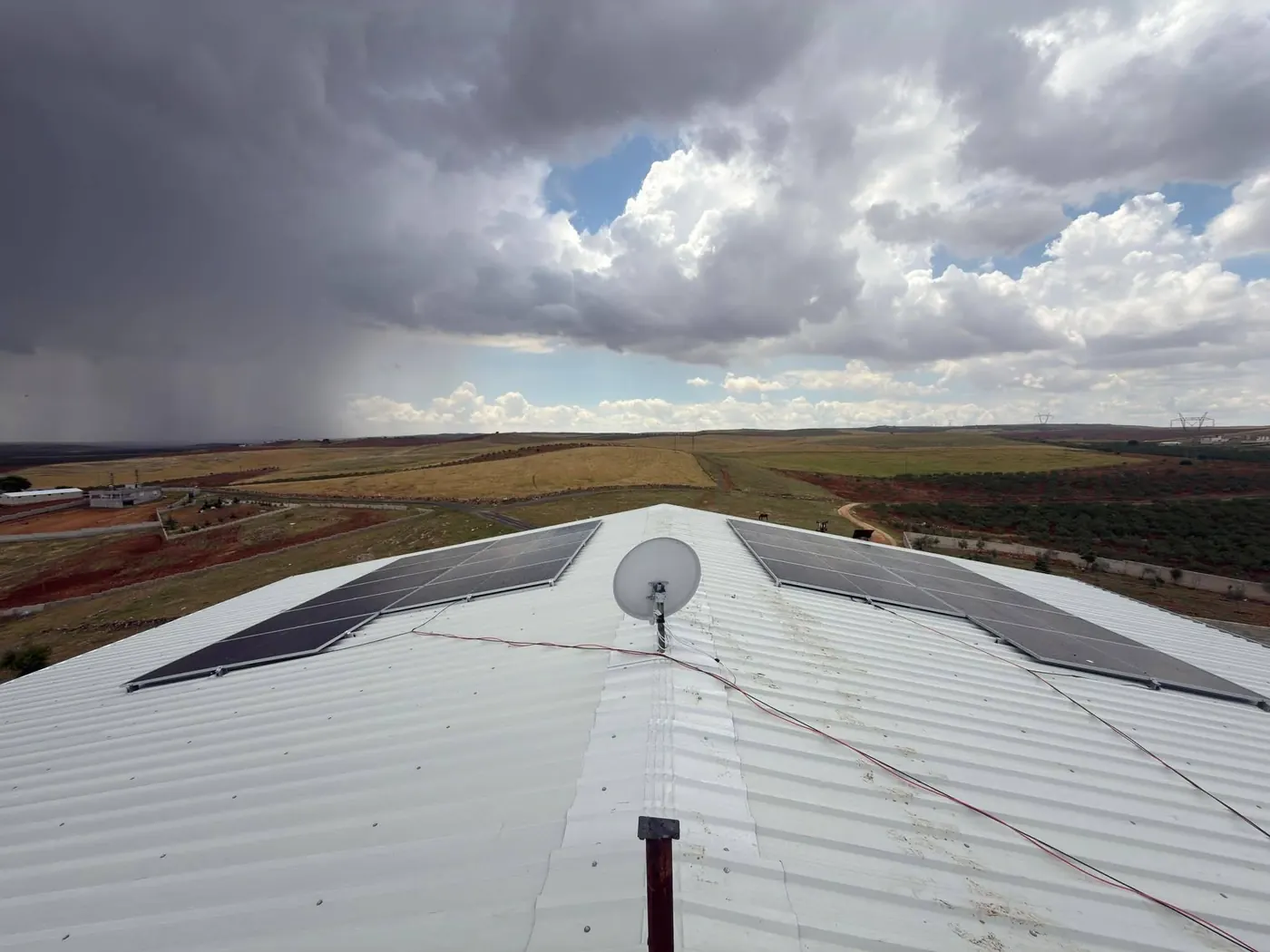
Inverter generation monitoring
Monitor the energy generated by your solar power plant in the Dilsiz Solar app. Your inverter’s generation data—including real-time power, daily, monthly and annual generation, consumption, and grid and battery status—is all on one screen.
Your inverter’s generation data in your pocket
In the solar energy systems we install, inverter generation data is sent to the Dilsiz Solar app. On the “Monitor solar panel generation” screen, you can track live how much your system generates, how much your home consumes and your exchange with the grid.
- One simple screen, whatever the inverter brand
- Real-time, daily, monthly, annual and total generation
- Home consumption, grid and battery status
- Only the plant assigned to you, only in your account

Every figure, from generation to consumption
The information shown in the app comes from your inverter’s cloud monitoring system and is presented in a clear, simple format.
Real-time power output
The power your panels are generating now (kW) and its proportion of the installed capacity.
Energy generated today
Total energy generated since the start of the day (kWh).
Home consumption
Real-time and daily consumption at your home or business.
Grid
Power exported to and drawn from the grid, with daily totals.
Battery status
For hybrid and off-grid (battery) systems: battery charge level, charging and discharging power.
Intraday generation curve
Hourly graph of generation and consumption from morning to evening.
Monthly and annual graph
Generation by day and month; generation this month, this year and in total.
Plant status
Online/offline status, installed capacity and last update time.
From inverter to app in four steps
The inverter connects to the internet
The inverter or data logger connects to the internet via Wi-Fi or a mobile connection.
Register for cloud monitoring
Your plant is registered with the inverter’s cloud monitoring system.
Link to your account
Dilsiz Solar links your plant to your account in the app.
Monitor from the app
Track your production live from the “Monitor solar panel production” screen.
A monitored system runs longer and more efficiently
Your solar energy system runs quietly; the easiest way to spot a problem is to monitor production regularly.
Spot problems early
Spot drops in production caused by dirt, shading or faults days in advance.
See your savings
Compare the energy you generate and export to the grid with your bill.
Plan maintenance
Use the data to plan panel cleaning and routine maintenance.
Get support quickly
Submit a fault or support request in the app; our team will review your plant’s data and help.
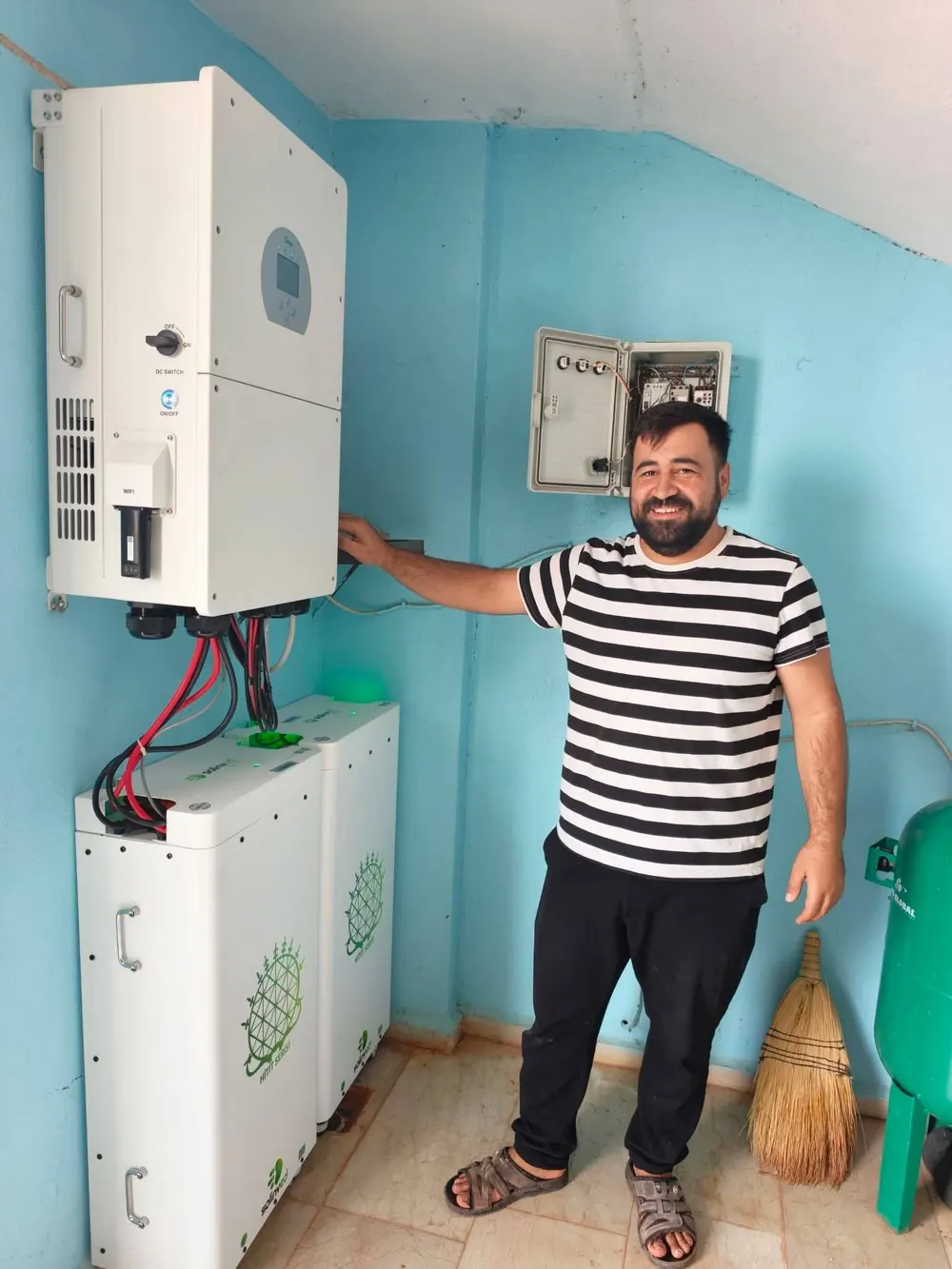

DS V01 GSM Remote-Control Device
Manage your pump and irrigation system from the app’s control centre.
View productMaintenance and service
Routine maintenance, panel cleaning and fault response.
Explore the serviceCalculation tools
Calculate your solar plant’s size, production and payback period.
Go to toolsAbout production monitoring
Which inverters are supported?
The Dilsiz Solar app works with the cloud monitoring systems of inverters from various brands. We set up monitoring for systems we install; for a plant installed by another company, ask us about compatibility.
What do I need for monitoring?
The inverter or data logger must be connected to the internet, and the plant must be registered with the inverter’s cloud monitoring system. Dilsiz Solar then links your plant to your account in the app.
How often is the data updated?
Live values are updated every few minutes; the daily production curve is made up of readings taken every 5 minutes. Monthly and yearly charts are also created from this data. You can update the data whenever you like using the refresh button on screen.
Can other people see my plant’s data?
No. Each customer can only see the plant linked to their own account. Dilsiz Solar sets up monitoring access, which can be removed if needed.
What should I do if I notice a drop in production?
You can submit a fault or support request in the app, or contact us directly. Our team will investigate possible causes, such as dirty panels, shading, or an inverter or connection fault, and arrange any necessary maintenance.
What can I see on systems with batteries?
For hybrid and battery systems, the battery charge level and charging and discharging power can also be monitored in the app.
Start monitoring your system in the app
Request a site survey for a new solar power plant, or ask us whether your existing plant is suitable for monitoring.